
Cloud Migration Strategy: Moving Legacy Systems to the Cloud

Sushant Gautam
CTO & Co-Founder, Coyesco
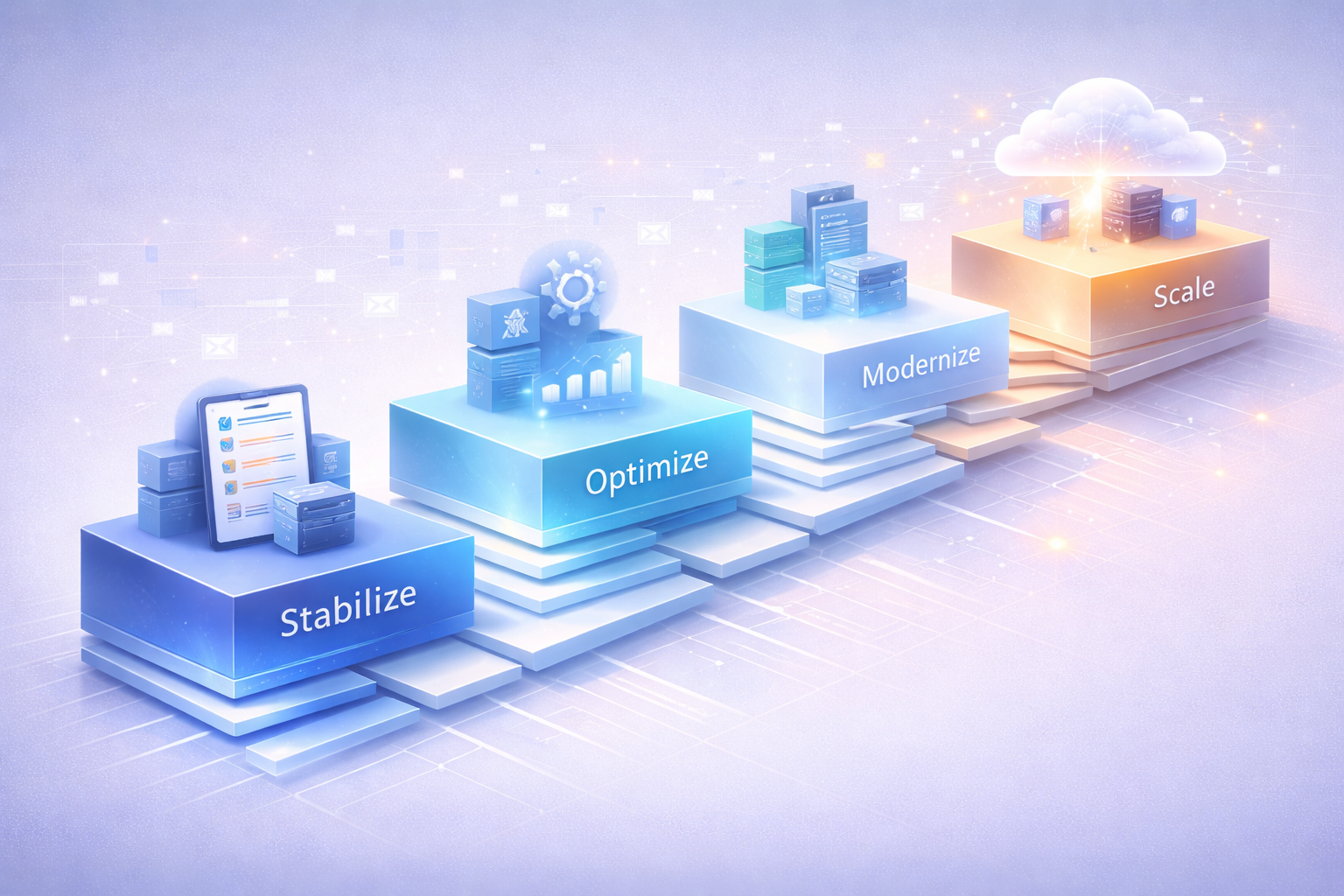
Cloud migration is no longer a question of "if" but "when" and "how." Yet many organizations struggle with the complexity of moving legacy systems to the cloud while maintaining business continuity.
Why Migrate to the Cloud?
Cost Efficiency
- Reduce infrastructure costs by 30-50%
- Pay only for resources you use
- Eliminate hardware refresh cycles
Scalability
- Scale resources up or down based on demand
- Handle traffic spikes without over-provisioning
- Global deployment in minutes
Performance
- Faster deployment cycles
- Improved application performance
- Better disaster recovery capabilities
Innovation
- Access to cutting-edge services (AI, ML, analytics)
- Faster time to market for new features
- Focus on business logic, not infrastructure
The Migration Framework
Phase 1: Assessment & Planning
Inventory Your Applications
- Document all applications and dependencies
- Identify which apps are cloud-ready
- Determine migration complexity for each system
Choose Your Migration Strategy
We use the 6 R's framework:
- Rehost (Lift and Shift): Move as-is to the cloud
- Replatform: Make minor optimizations during migration
- Refactor: Re-architect for cloud-native benefits
- Repurchase: Move to SaaS alternatives
- Retire: Decommission unnecessary applications
- Retain: Keep on-premises (for now)
Define Success Metrics
- Performance benchmarks
- Cost targets
- Downtime tolerance
- Security requirements
Phase 2: Pilot Migration
Start with a low-risk application to:
- Validate your migration approach
- Train your team
- Identify potential issues
- Build confidence
Phase 3: Data Migration
Data migration is often the most complex part:
Planning
- Map data sources and destinations
- Define data transformation rules
- Plan for data validation
- Establish rollback procedures
Execution
- Use incremental migration when possible
- Validate data integrity at each step
- Maintain data synchronization during transition
- Plan for minimal downtime
Phase 4: Application Migration
Preparation
- Update configurations for cloud environment
- Implement cloud-native services where beneficial
- Set up monitoring and logging
- Configure auto-scaling and load balancing
Migration
- Follow your tested migration playbook
- Migrate during low-traffic periods
- Maintain fallback options
- Monitor performance closely
Phase 5: Optimization
Post-migration optimization is crucial:
Cost Optimization
- Right-size instances based on actual usage
- Implement auto-scaling policies
- Use reserved instances for predictable workloads
- Eliminate unused resources
Performance Tuning
- Optimize database queries
- Implement caching strategies
- Use CDNs for static content
- Configure proper monitoring and alerts
Real-World Success Story
We recently helped an enterprise client migrate their legacy monolith to AWS:
Challenge:
- 10-year-old application
- Frequent downtime
- Slow deployment cycles
- High infrastructure costs
Approach:
- Phased migration over 6 months
- Decomposed monolith into microservices
- Implemented containerization with Docker and Kubernetes
- Set up CI/CD pipelines
Results:
- 70% reduction in downtime
- 40% faster API response times
- 35% lower infrastructure costs
- Weekly deployments vs. monthly
Common Pitfalls to Avoid
- Underestimating Complexity: Legacy systems have hidden dependencies
- Ignoring Security: Cloud security requires different approaches
- Lift and Shift Everything: Not all apps benefit from simple rehosting
- Neglecting Training: Your team needs cloud skills
- Poor Cost Management: Cloud costs can spiral without proper governance
Cloud Provider Selection
AWS
- Most comprehensive service offering
- Largest ecosystem and community
- Best for complex, enterprise workloads
Google Cloud
- Strong in data analytics and ML
- Competitive pricing
- Excellent Kubernetes support
Azure
- Best for Microsoft-centric organizations
- Strong hybrid cloud capabilities
- Good enterprise support
Security Considerations
Cloud security is a shared responsibility:
Your Responsibilities:
- Application security
- Data encryption
- Access management
- Compliance requirements
Provider Responsibilities:
- Physical security
- Network infrastructure
- Hypervisor security
- Hardware maintenance
Getting Started
- Assess Your Current State: Inventory applications and infrastructure
- Define Your Goals: What do you want to achieve with cloud migration?
- Start Small: Pick a pilot project to learn and validate
- Build Skills: Invest in cloud training for your team
- Partner Wisely: Consider working with experienced cloud migration specialists
The Bottom Line
Cloud migration is a journey, not a destination. Success requires careful planning, phased execution, and continuous optimization. But the benefits—cost savings, improved performance, and increased agility—make it well worth the effort.
Planning a cloud migration? Let's discuss how we can help you migrate successfully while minimizing risk and downtime.
Sushant Gautam
CTO & Co-Founder, Coyesco
Sushant Gautam is a key member of the Coyesco team, bringing years of experience in helping businesses transform and grow through technology and strategic innovation.
Ready to Get Started?
Let's discuss how we can help you achieve transformative results for your business.